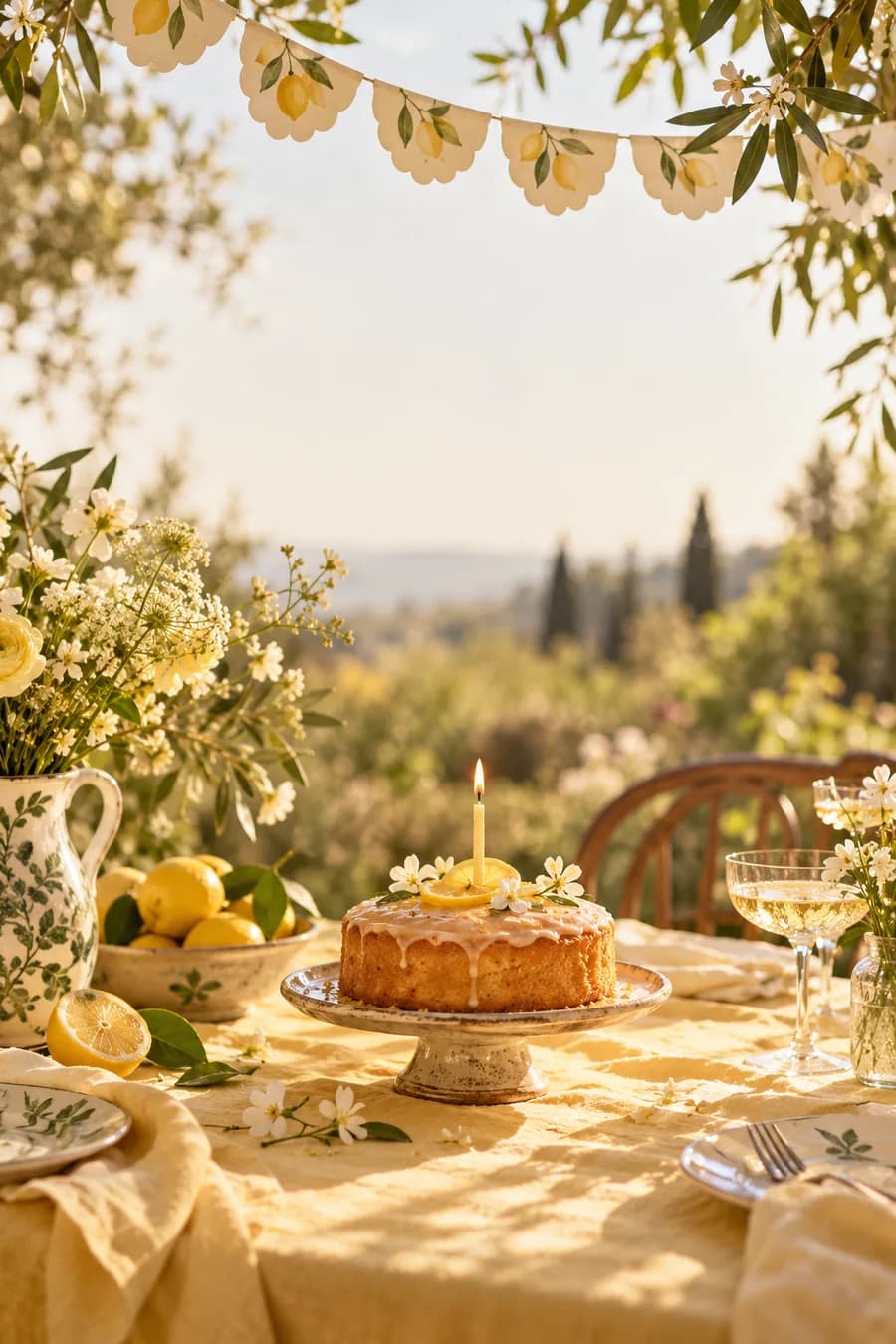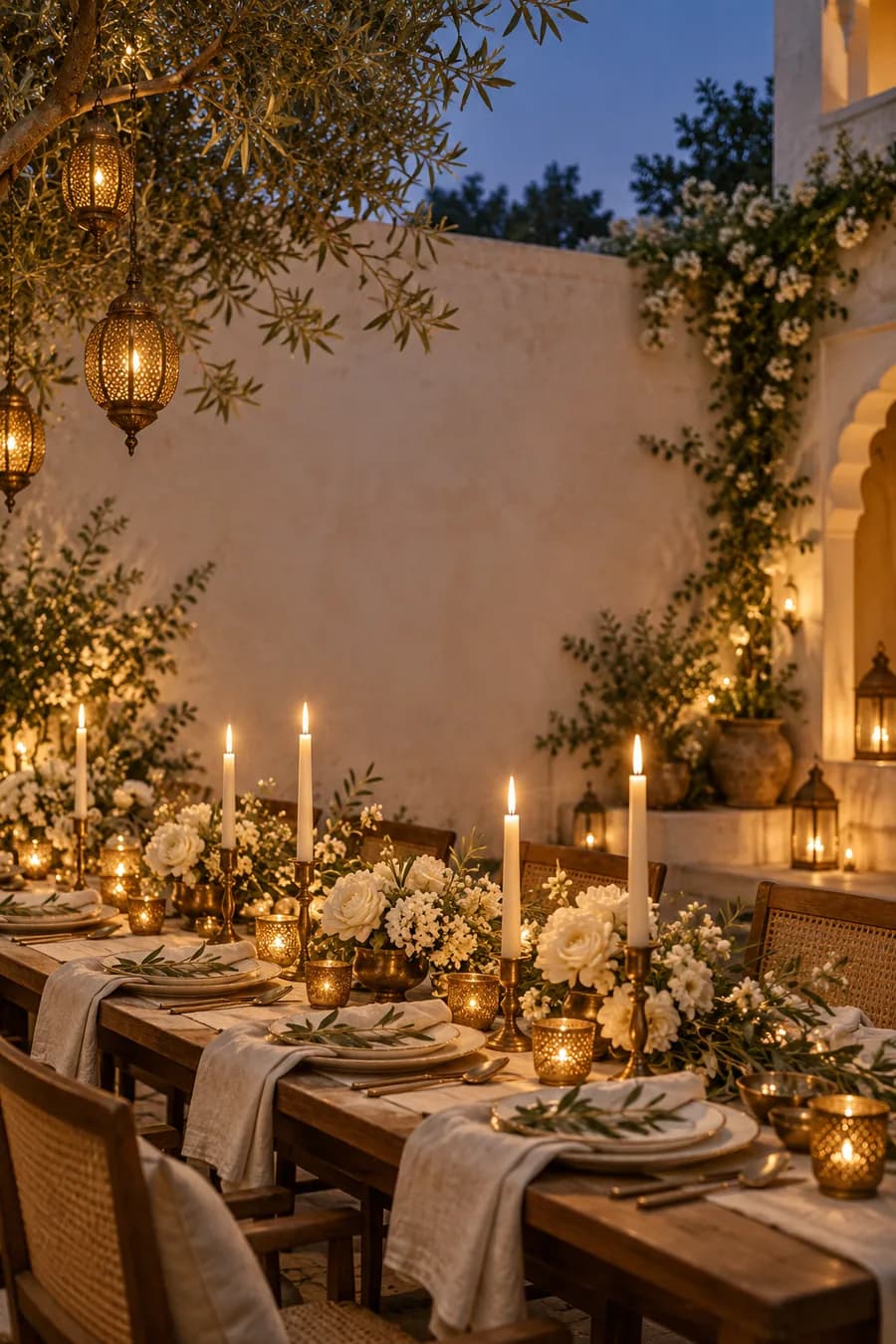
Twenty years together
Maya & Arjun
A few favorite people, a long table, and all the stories we still love telling.
Friday, 12 March 2027Dinner from seven
A day made for togetherness ↓Make a beautiful home for your celebration. Add the details, share one link, and let guests tell you they’re coming.
Twenty years together
A few favorite people, a long table, and all the stories we still love telling.
Start with the occasion. We’ll show you the designs that suit it.
Three distinct design families, each opening as a real invitation. Choose one and make the words yours.
Together with our families
With full hearts, we invite you to celebrate the beginning of our next chapter.
Wedding
A keepsake in ivory and soft gold, made for a celebration that unfolds over a few days.
Twenty years together
A few favorite people, a long table, and all the stories we still love telling.
Anniversary
An open, editorial layout with expressive type and a little room to make it yours.
Cake, games & big smiles
There will be balloons, a very big cake, and a place saved just for you.
Birthday
Bright colors, happy shapes, and space for cake, games, and one more story.
Begin with a few details. You can shape the invitation before signing in.
Find a starting point that suits the people and the moment.
Make the words, date, place, and invitation feel like yours.
Send one link. Guests can find the details and reply there.
Twenty years together
A few favorite people, a long table, and all the stories we still love telling.
A note for you
A few favorite people, a long table, and all the stories we still love telling.
Save the date
Dinner from seven
An evening to remember
The gathering place
Bengaluru, India
Open directionsWe hope you can join us
Let your host know if you can make it.
RSVP responses will be available when this invitation is published.The invitation is more than a cover. Guests can open the details on their phone, find the place, and reply from the same page.
Keep the parts that matter to your celebration and let the invitation feel like yours.
Change the welcome, story, and closing message in the editor.
Choose a color palette and typefaces, then see the invitation update as you work.
Edit a draft at your pace. Publish only when you’re ready for guests to see it.
A few practical answers for hosts.
Yes. Create a preview and keep a draft in this browser. Sign in when you’re ready to save it to your account and publish.
No. Guests can open your published invitation and send their reply without signing in. Their responses are private to you.
Yes. Edit your draft and publish the update when it’s ready. The current live invitation stays in place until you republish.